

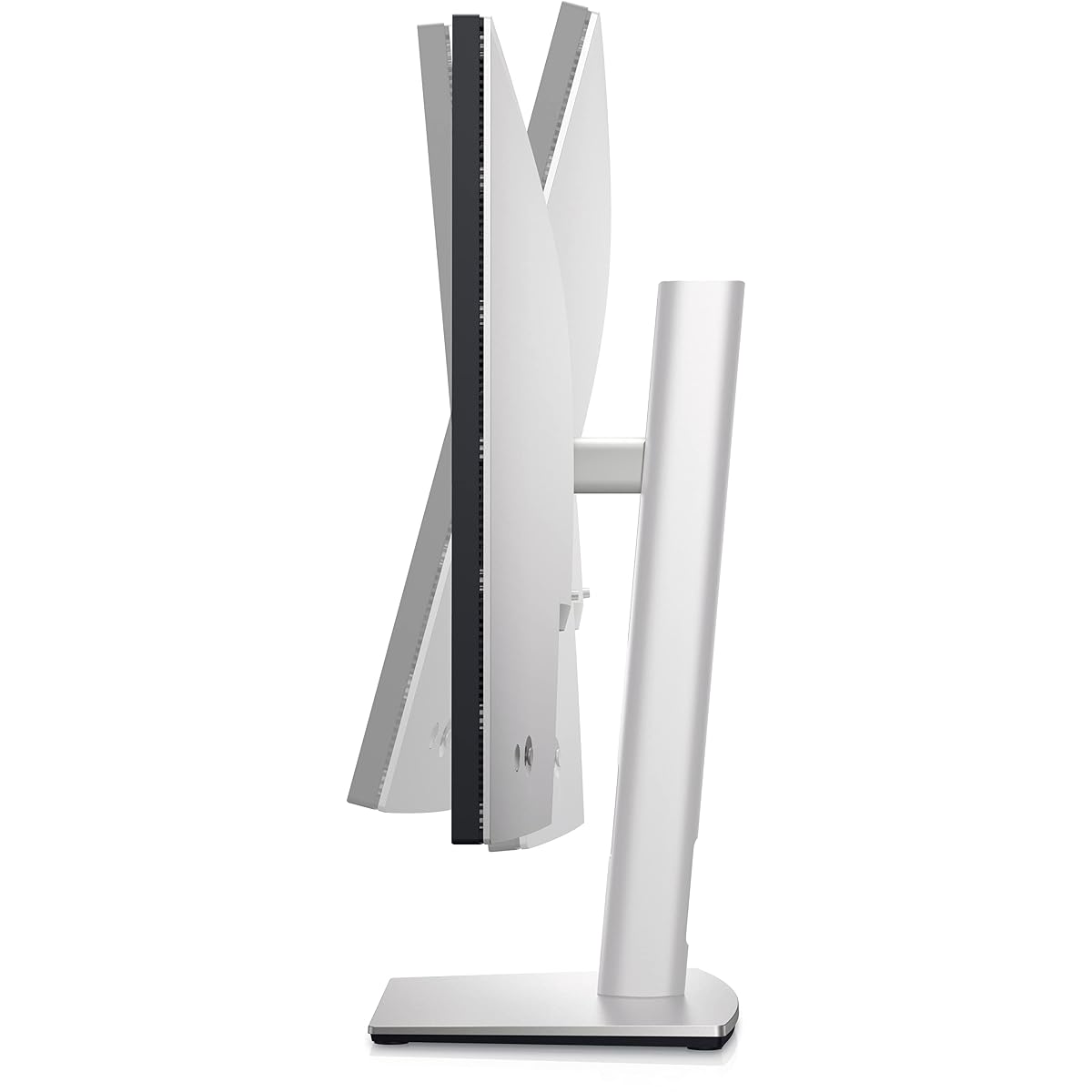
UltraSharp U2723QE 27" 4K UHD WLED LCD Monitor
Professional 4K Clarity with Industry-Leading Contrast and USB-C Hub Versatility
Full manufacturer title
Dell UltraSharp U2723QE 27" 4K UHD WLED LCD Monitor - 16:9 - Black, Silver 27 Inches U2723QE
$649
Affiliate link. Ravvy may earn a commission from qualifying purchases at no extra cost to you.
Ravvy verdict
92.3 / 100
Buy this monitor if you prioritize color accuracy and workspace connectivity, accepting that the 60Hz refresh rate is tailored for work rather than high-end gaming.
- Best for
- Graphic designers and remote professionals needing a single-cable docking solution
- Buy it if
- You want iPS Black technology delivers superior contrast for an LCD.
- Skip it if
- You are competitive gamers requiring high refresh rates or low input lag.
- Best alternative
- LG 32GX870A-B 32-inch Ultragear 4K UHD (3840 x 2160) OLED Gaming Monitor, Dual-Mode, 240Hz, 0.03ms, NVIDIA, AMD FreeSync Premium Pro, VESA DisplayHDR True Black 400, USB Type-C, DP2.1 32" black (hybrid gamers who play both cinematic RPGs and competitive shooters)
How it scores on what matters
- Connectivity98.0
- Color Accuracy96.0
- Text Clarity94.0
- Build Quality92.0
- Gaming Performance60.0
Ravvy factor scores, 0 to 100, derived from specs, owner reviews and category norms.
What it is
The Dell UltraSharp U2723QE represents a significant leap for productivity monitors, being one of the first to feature IPS Black technology. This innovation doubles the contrast ratio found on standard IPS panels, delivering deeper blacks and more vibrant colors that bridge the gap between traditional LCDs and expensive OLED options. At 27 inches with a crisp 4K resolution, it provides a high pixel density that makes text look laser sharp and images incredibly detailed. Beyond the panel quality, this monitor acts as a comprehensive docking station for your workspace. With a single USB-C connection, you can charge your laptop at 90W, transmit data, and connect to a wired network via the built-in Ethernet port. The inclusion of a secondary USB-C port and multiple USB-A inputs allows for seamless peripheral management, making it an ideal centerpiece for a clean, minimalist desk setup.
Ravvy AI insight
The standout feature is the 2000:1 contrast ratio, which is nearly double the 1000:1 industry standard for IPS displays. This makes it particularly effective for creators working in dark environments who find standard monitors look washed out. However, if your work doesn't involve color-critical tasks, you may find cheaper 4K monitors with similar port selections.
Generated from owner feedback, product specs, pricing, and retailer data. Last updated Aug 20, 2026.
What owners praise
- IPS Black technology delivers superior contrast for an LCD
- Comprehensive USB-C hub with 90W power delivery
- Built-in RJ45 Ethernet port for stable wired networking
- Daisy-chain support via DisplayPort output
- Highly adjustable stand with tilt, swivel, and pivot
What to know first
- Limited to a 60Hz refresh rate
- HDR400 performance is modest compared to true HDR displays
- Lacks built-in speakers
Specifications
- UPC
- 884116415589
- GTIN
- 884116415589
- Brand
- Dell
- Color
- Black, Silver
- Shape
- Flat
- Voltage
- 240 volts
- Brightness
- 400 Nits
- Model Name
- UltraSharp
- Resolution
- 4K UHD 2160p
- Unit Count
- 1 Count
- Color Gamut
- 100
- Item Weight
- 14.6 pounds
- Pixel Pitch
- 0.15
- Screen Size
- 27 inches
- Aspect Ratio
- 16:9
- Display Type
- LCD
- Manufacturer
- Dell Technologies
- Model Number
- U2723QE
- Refresh Rate
- 60 hertz
- Adaptive Sync
- FreeSync
- Mounting Type
- Wall Mount
- Response Time
- 5 milliseconds
- Screen Finish
- Matte
- Series Number
- 2723
- Viewing Angle
- 178 degrees
- Warranty Type
- 3-year manufacturer warranty
- Contrast Ratio
- 2000:1
- Processor Count
- 1
- Total Usb Ports
- 8
- Native Resolution
- 3840x2160
- Power Consumption
- 90 watts
- Compatible Devices
- Laptops, Desktops, Gaming Consoles, Multimedia Devices
- Display Technology
- LCD
- Additional Features
- Blue Light Filter, Height Adjustment, Pivot Adjustment, Swivel Adjustment, Tilt Adjustment
- Included Components
- Information Not Available
- Total USB 3.0 Ports
- 5
- Warranty Description
- 3 Year Manufacturer
- Hardware Connectivity
- HDMI, USB, USB Type C
- Connectivity Technology
- DisplayPort, Ethernet, HDMI, USB
- Item Dimensions D x W x H
- 15.2"D x 24.1"W x 7.3"H
- Specific Uses For Product
- Gaming, Desktop
- Display Resolution Maximum
- 3840 x 2160
- Screen Surface Description
- Matte
- Total Number of HDMI Ports
- 1
- Number of Component Outputs
- 1
- Picture Quality Enhancement Technology
- VESA DisplayHDR™ 400
How to get the most out of it
Enable KVM Functionality
Connect two different PCs using the USB-C and DisplayPort/HDMI inputs. Use the Dell Display Manager software to easily switch your keyboard and mouse between both machines automatically.
Ownership tips
tip
Maximize Color Accuracy
Use the DCI-P3 color preset if you are editing video for cinema, or switch to sRGB for web-based design to ensure your colors match standard internet displays.
care
Clean the Matte Finish
Use a dry microfiber cloth for dust. For smudges, use a dedicated screen cleaner applied to the cloth first, never directly to the panel, to protect the 3H hard coating.
Frequently asked questions
Can this monitor charge my laptop?
Yes, it provides up to 90W of power through the primary USB-C port, which is enough to charge most modern ultrabooks and even some 15 or 16 inch workstations while you work.
What is IPS Black technology?
IPS Black is a newer panel technology that significantly improves black levels. It offers a 2000:1 contrast ratio, whereas standard IPS monitors usually stop at 1000:1, resulting in deeper shadows.
Does it support 120Hz for gaming?
No, this monitor is capped at a 60Hz refresh rate. While it is excellent for productivity and media consumption, it does not support the high frame rates desired for fast-paced gaming.
Can I connect two monitors together?
Yes, this monitor supports DisplayPort Multi-Stream Transport. You can connect a second 4K monitor directly to the DisplayPort-out port on the Dell, reducing the number of cables running to your PC.
Where can you buy the UltraSharp U2723QE 27" 4K UHD WLED LCD Monitor?
UltraSharp U2723QE 27" 4K UHD WLED LCD Monitor is sold through Amazon, and Dell also lists it through its own site and major retail partners. The buy link on this page goes straight to the current Amazon listing, which is where stock and pricing update most often.
How much does the UltraSharp U2723QE 27" 4K UHD WLED LCD Monitor cost?
The last price Ravvy recorded was $649. Retail pricing on monitors moves with promotions and stock, so treat that figure as a reference point and check the live listing before you buy.
How do you get the UltraSharp U2723QE 27" 4K UHD WLED LCD Monitor for a cheaper price?
Three tactics work best: watch for holiday and seasonal sale events when monitors discounts run deepest, compare the open box or renewed listing against new stock, and check whether Dell is running a coupon or bundle. Adding the product to your Ravvy wishlist keeps it handy so you can revisit the listing when prices drop.
Is the UltraSharp U2723QE 27" 4K UHD WLED LCD Monitor in stock right now?
It was in stock at our last check. Availability on popular monitors can change within hours, so the live listing is the source of truth.
Is the UltraSharp U2723QE 27" 4K UHD WLED LCD Monitor worth it?
Ravvy scores it 92.3 out of 100. The strongest argument for it is iPS Black technology delivers superior contrast for an LCD. The trade off to weigh is limited to a 60Hz refresh rate.
Who should buy the UltraSharp U2723QE 27" 4K UHD WLED LCD Monitor?
It fits graphic designers and remote professionals needing a single-cable docking solution If that does not describe your situation, compare it with the other options in Monitors before committing.
What are the key specs of the UltraSharp U2723QE 27" 4K UHD WLED LCD Monitor?
UPC: 884116415589. ASIN: B09TQZP9CL. GTIN: 884116415589. Brand: Dell.
What are good alternatives to the UltraSharp U2723QE 27" 4K UHD WLED LCD Monitor?
Compare it against the other scored picks in Monitors on Ravvy. We rank every option in that group by the same criteria, so you can see which model wins on value, quality, and owner sentiment before you decide.
Get scored
Have a product we should score?
Send us a link and we will run it through the Ravvy Score model, then show you how it compares to similar products.
Submit a productAlternatives worth comparing
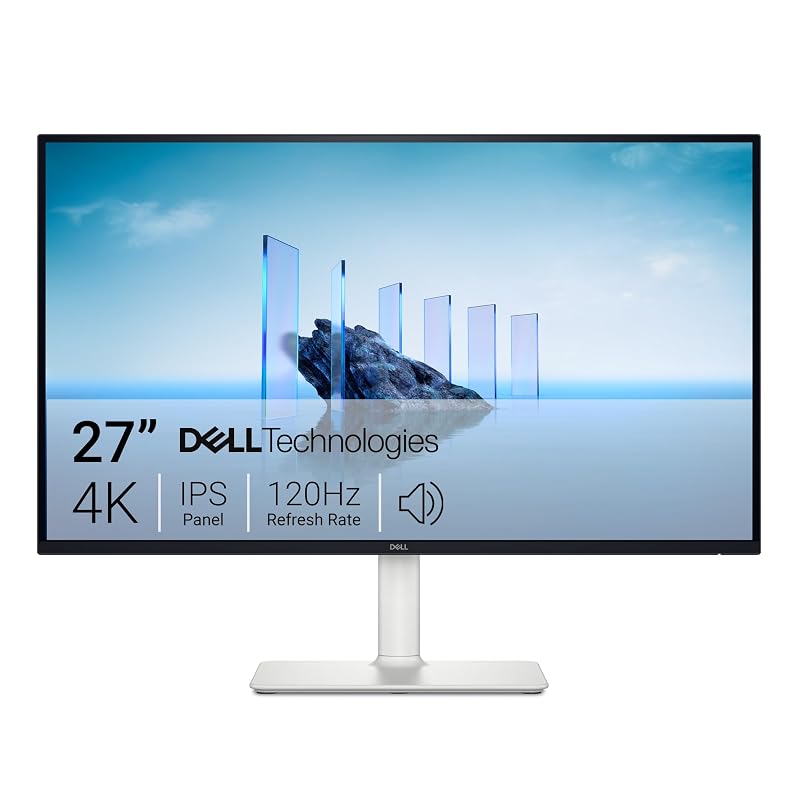
Best for hybrid professionals who want 4k precision and smooth motion for light gaming
- 3840 x 2160 UHD Resolution
- 120Hz Refresh Rate with FreeSync Premium
- 99% sRGB Color Gamut

Best for hybrid gamers who play both cinematic rpgs and competitive shooters
- Dual-Mode 4K 240Hz / FHD 480Hz
- VESA DisplayHDR True Black 400
- 0.03ms (GtG) Response Time
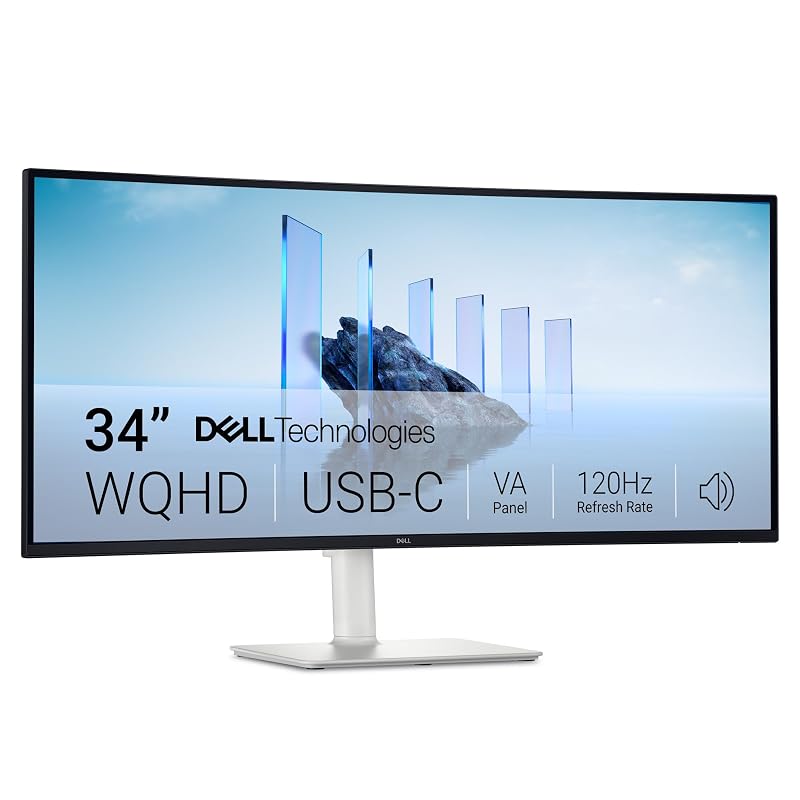
Best for hybrid workers who enjoy casual gaming and media consumption
- 34 inch WQHD Curved Display
- 120Hz Refresh Rate with FreeSync Premium
- 65W USB-C Power Delivery